 SSEM
SSEM See it as you write.
Draw your diagrams.
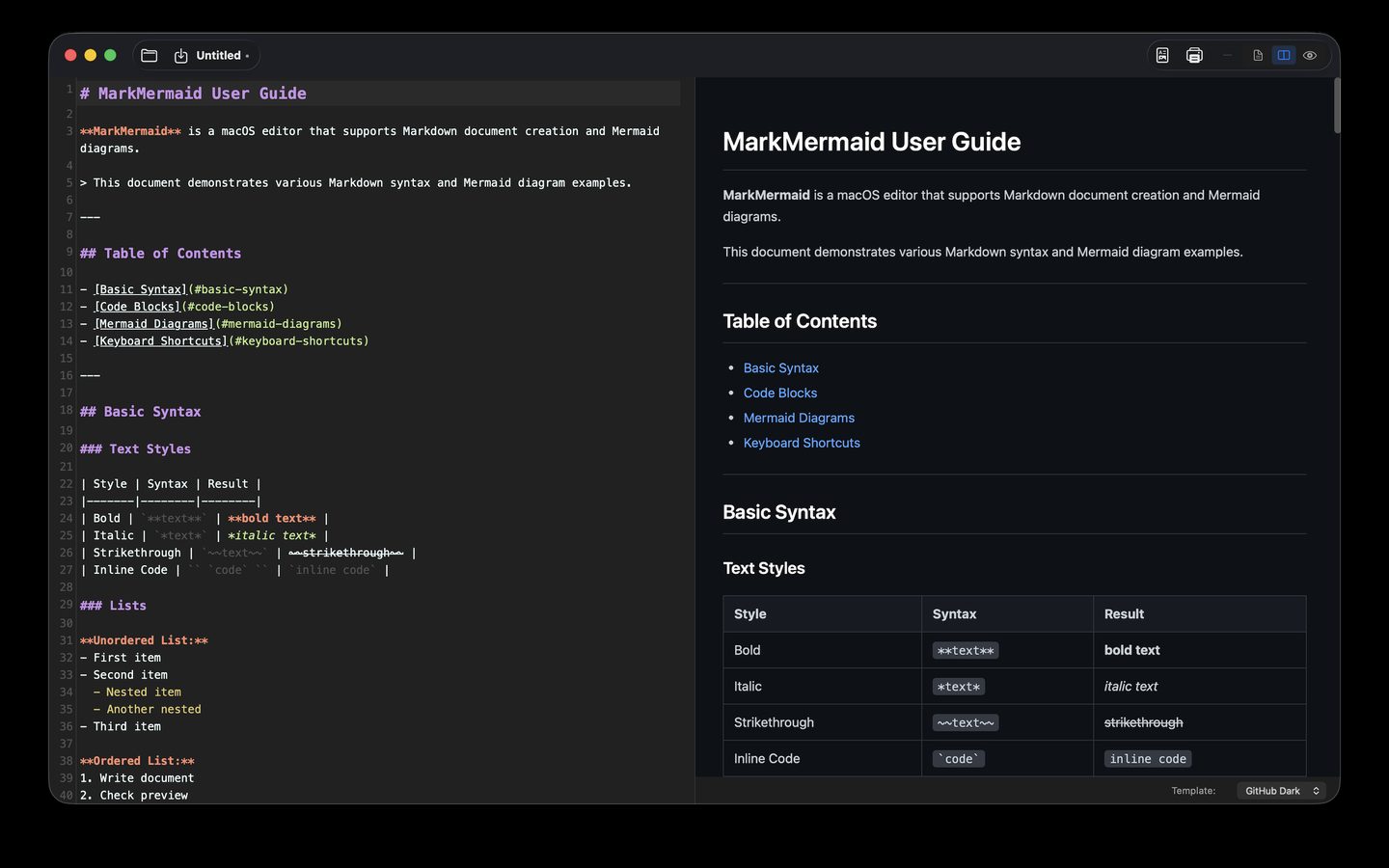
SSEM MarkdownEditor shows the rendered result while you type. Mermaid diagrams, KaTeX math and syntax-highlighted code render right in the preview — and with the new Diagram Studio you can edit diagrams visually instead of hand-tuning code.
New Diagram Studio
Double-click any Mermaid diagram in the preview to open it in Diagram Studio. Apply writes your changes back into the document’s code block, and new diagrams are inserted at the cursor.
Visual flowchart editor
- Add, rename and delete nodes
- 9 node shapes
- Connections with 6 line styles and labels
- Layout direction (top-down, left-right and more)
Work on the canvas
- Click nodes on the live canvas to select them
- Connect mode: click two nodes to link them
- Zoom in, out and to fit
Code mode with live rendering
Edit any Mermaid type — sequence, class, state, ER, Gantt, pie, mindmap and more — as code and watch the canvas re-render as you type. Starter templates included.
Export as images
Save a diagram as PNG (2×) or SVG, or copy it as PNG to paste straight into slides or chat.
Everything you need to write Markdown
No more switching back and forth to check how your document looks — see it while you write.
Live preview
Switch between split view, editor only and preview only. In split view, the editor and preview scroll together.
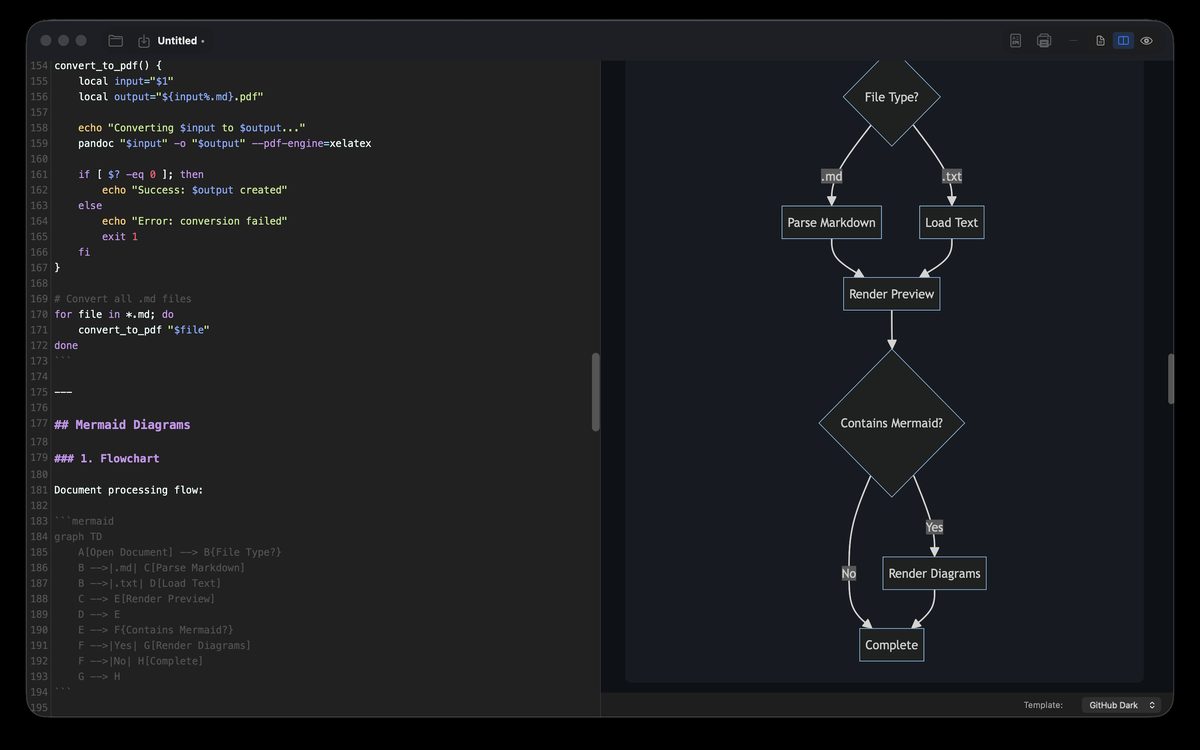
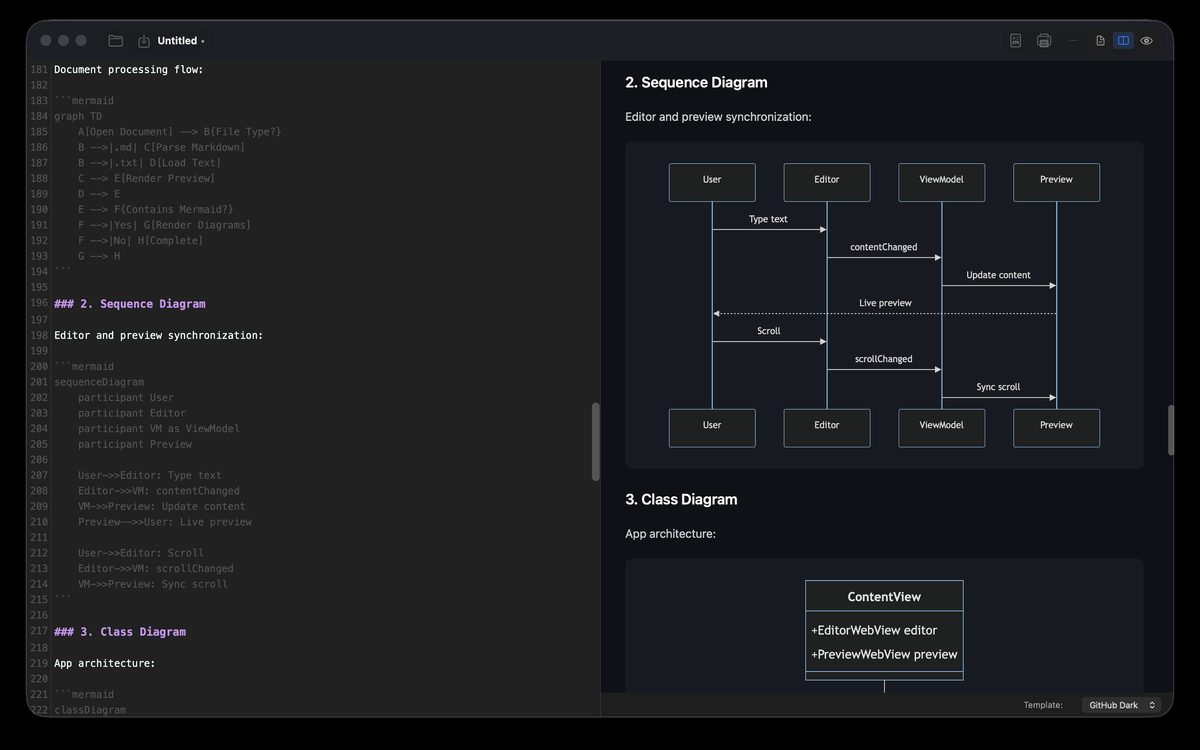
Mermaid diagrams
```mermaid code blocks render as flowcharts, sequence diagrams, class diagrams and more.
KaTeX math
Inline and block math typeset cleanly with KaTeX.
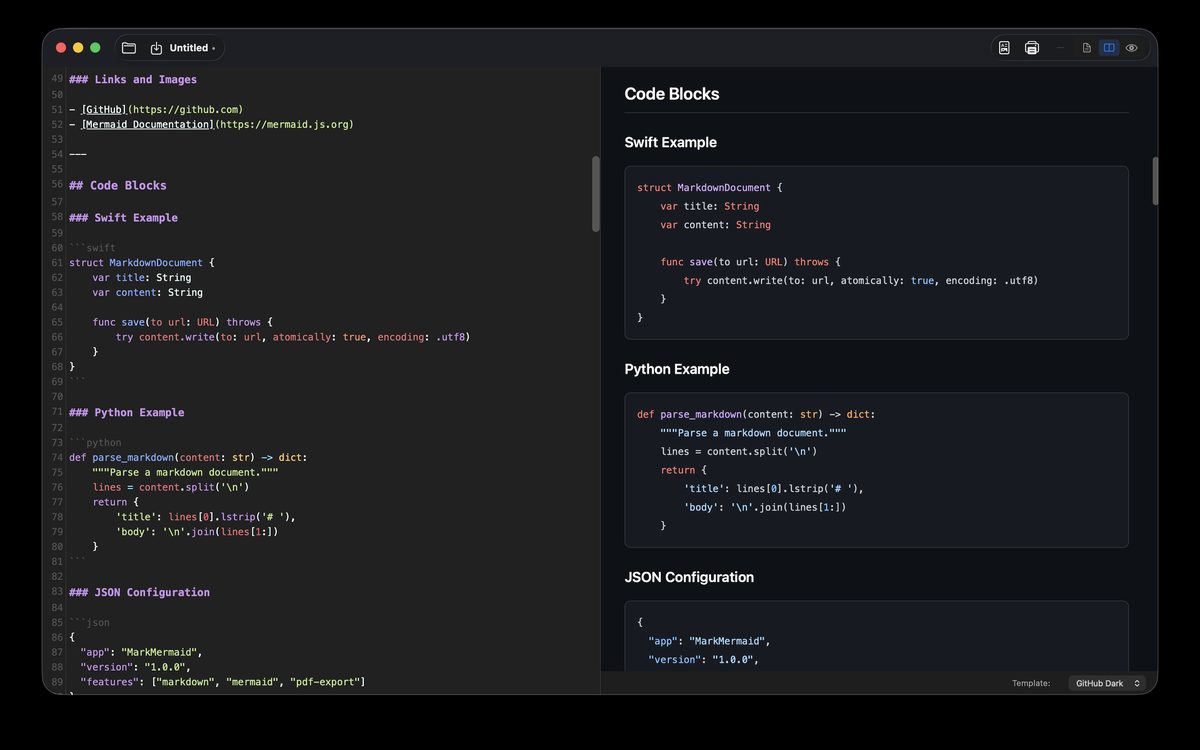
Syntax highlighting
Highlighting for 15+ languages, with a copy button on every code block.
4 preview themes
GitHub Dark, GitHub Light, Notion and Paper.
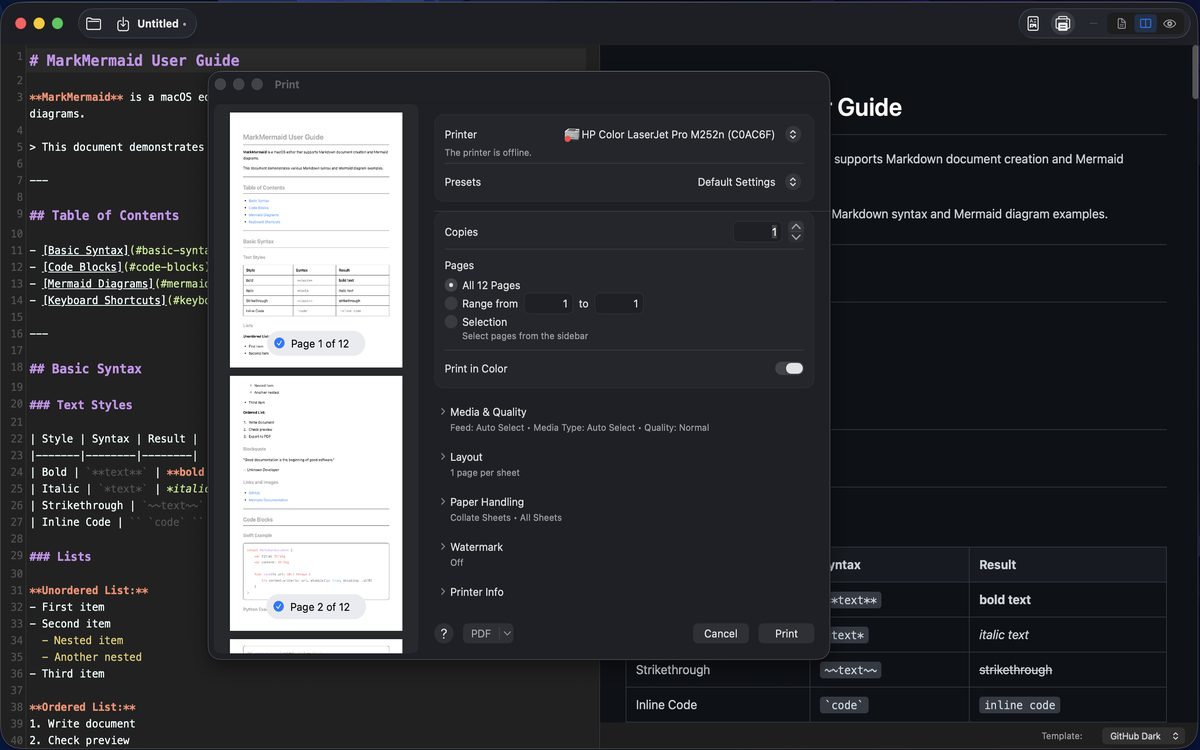
PDF export and print
Export the preview to PDF or print it as it looks.
Document templates
Start fast with README, meeting notes, technical documentation, blog post, project proposal, API documentation and changelog templates.
iCloud and recent files
Save to iCloud Drive, reopen from the recent files list, or drag and drop .md files onto the window.
Screenshots
Polish your text and diagrams side by side in one window.
Download
The Mac edition is free and is distributed only on this website. The DMG is signed with an Apple Developer ID and notarized by Apple. Starting with 1.0.1, the app checks for new versions itself and updates with one click (how to update).
- Version
- 1.0.1 (build 6) · 2026-10-12
- File
- SSEM-MarkdownEditor-1.0.1-6.dmg · 3.1 MB
- Requires
- macOS 14 Sonoma or later
- Price
- Free
- Developer
- Levelupsoft Inc.
Requirements
- macOS 14 Sonoma or later
- An internet connection for preview rendering (Markdown, Mermaid, math, highlighting) — the rendering libraries load from the jsDelivr CDN. Your documents are never sent (details).
- Saving to iCloud requires an Apple Account with iCloud Drive turned on.
Install (DMG)
- Open the downloaded DMG.
- Drag SSEM MarkdownEditor to the Applications folder. Don’t run it from inside the DMG; open the copy in Applications.
- Open it from Applications. If macOS asks whether to open an app downloaded from the internet, click Open.
Windows
The Windows edition is free too. Install it from the Microsoft Store and it installs without the “Windows protected your PC” warning and updates automatically. On PCs without the Store, download the ZIP and run the app straight from the extracted folder (the .NET runtime it needs is included).
- Version
- 1.0.1 · 2026-10-14
- Get it
- Microsoft Store (recommended) or ZIP
- Requires
- Windows 10 (version 2004 or later, 64-bit) or Windows 11
- Price
- Free
- Developer
- Levelupsoft Inc.

Download the ZIP
Install (ZIP)
- Right-click the downloaded ZIP and choose Extract All. Extract it to one of your own folders, such as Documents or Desktop.
- Open the extracted SSEM MarkdownEditor folder and run MarkMermaid.exe. Pin it to the taskbar for easy access.
- If “Windows protected your PC” appears, click More info › Run anyway. The ZIP edition isn’t code-signed, so this can appear the first time (the Store edition doesn’t show it). You can check that the download is the original with the command below.
How it differs from the Mac edition
- Editor with live preview (split, editor only, preview only), Mermaid diagrams, syntax highlighting, dark and light themes, multiple windows and printing.
- Diagram Studio, math (KaTeX), document templates, PDF export and iCloud saving are Mac-only. The Store edition updates automatically; for the ZIP edition, check this page for new versions.
- The preview needs the Microsoft Edge WebView2 Runtime. It’s already part of Windows 11 and current Windows 10; if it’s missing, the app tells you (get it from Microsoft).
- It loads its rendering libraries from cdnjs, so it needs an internet connection. Your documents are never sent (details).